

Less reconciliation at payout time
The amount being paid stays connected to the statement, period, and agreement that produced it.
Qlero connects payable balances, threshold eligibility, approvals, self-bill invoicing, and payment-file exports in one workflow — so your team can move from calculated royalties to controlled payouts with less manual reconciliation.
New integration · Qlero × Tipalti
Explore artist payment setup through Qlero and Tipalti. Contact us to discuss availability, onboarding and the requirements for your label.
The video shows how Qlero connects royalty balances, payment eligibility, approvals, invoicing, and payment-file exports.
From balance to payout
Payments should be the natural next step after a royalty period is reviewed — not a separate exercise in copying numbers between tools.
See what is payable across releases and agreements, with the royalty context behind every amount.
For the contract context, read our guide to advances and recoupable costs. Use the recoupment calculator for an illustrative advance-only scenario; it excludes additional costs and deductions and does not send payments.
Review payment requests and threshold eligibility before anything is sent for payout.
Generate self-bill invoices and payment-file exports from the same controlled period workflow.
Built for payout days
Give finance, royalty, and label operations a shared view of what is ready, what needs review, and what will be delivered.
The amount being paid stays connected to the statement, period, and agreement that produced it.
Make thresholds, approvals, and outputs visible to the people responsible for getting payments right.
Move from review to payout without rebuilding the same context in another spreadsheet or system.
Keep the source in view
When payout questions come up, the underlying statement and deal context are close at hand — helping your team answer with clarity.
For recording agreements, our guide to net receipts vs. traditional royalty deals separates the royalty calculation from the amount available for payment.
Walk through your payout process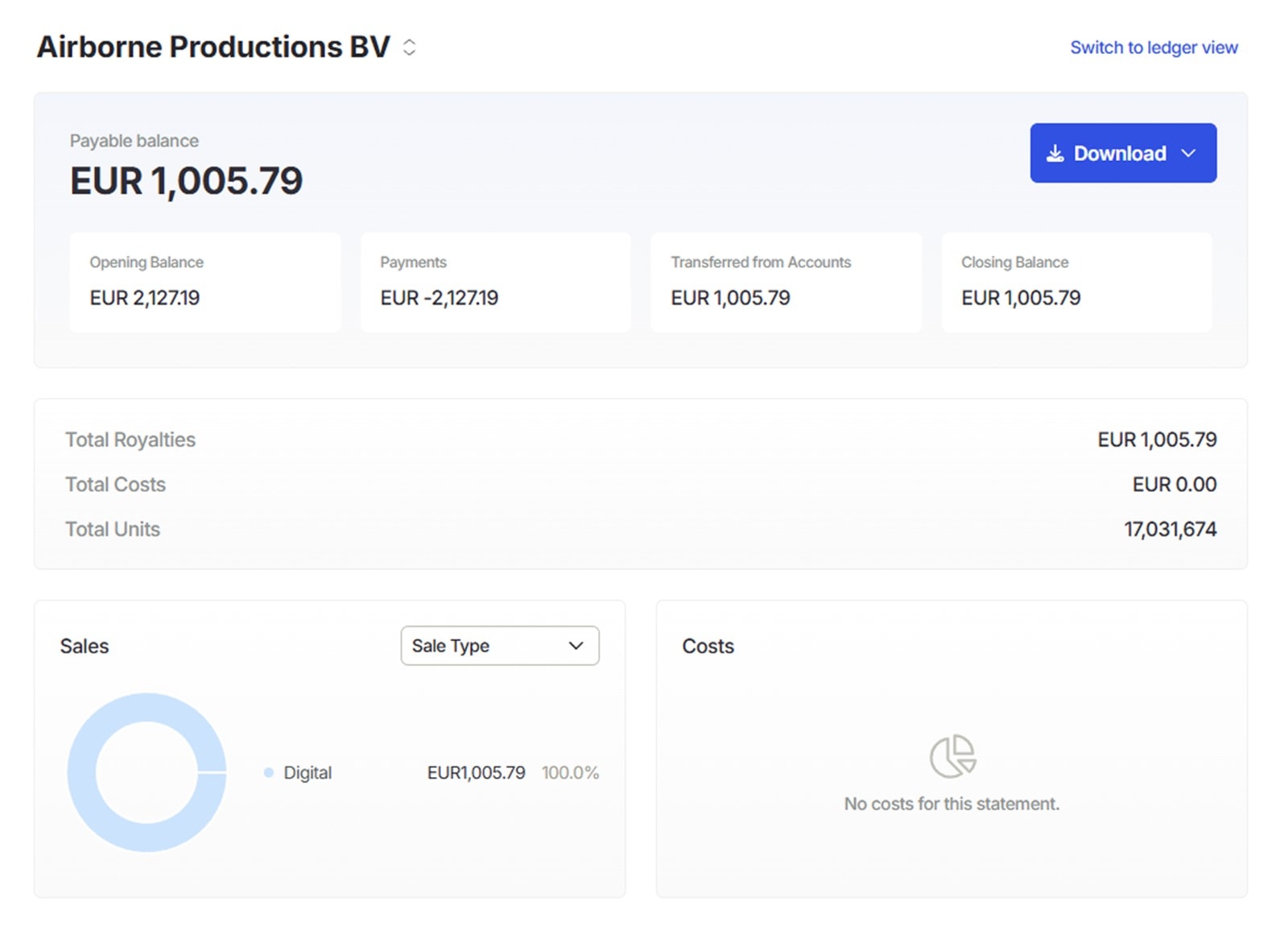
Payments is an add-on to any Qlero plan
We'll show the workflow around your real operating model and be clear about what is included, what is scoped, and what comes next.