
Bring repertoire and sales data into Qlero.
Import DDEX repertoire metadata and prepare sales reports with source-specific templates. Check the requirements for each workflow before your first import.
New integration · Qlero × Tipalti
Royalties in Qlero. Payments with Tipalti.
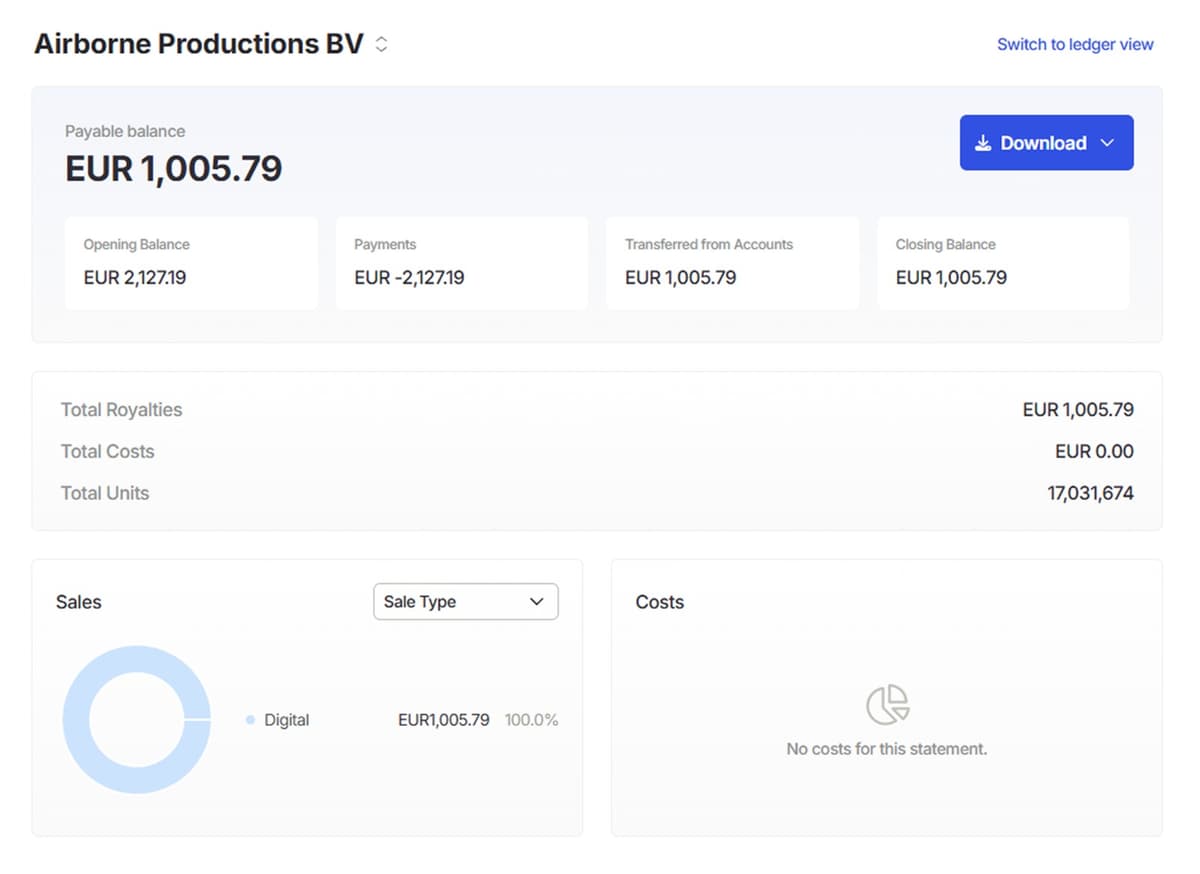
Explore artist payment setup through Qlero and Tipalti. Contact us to discuss availability, onboarding and the requirements for your label.
DDEX repertoire imports
Import release and track metadata from ERN NewReleaseMessage XML files. This workflow requires a recordings licence, a configured DDEX Party ID and delivery-partner setup. It is distinct from royalty-sales report ingestion; separate takedown and update messages are not processed.
Read the DDEX import guideDDEX in practice
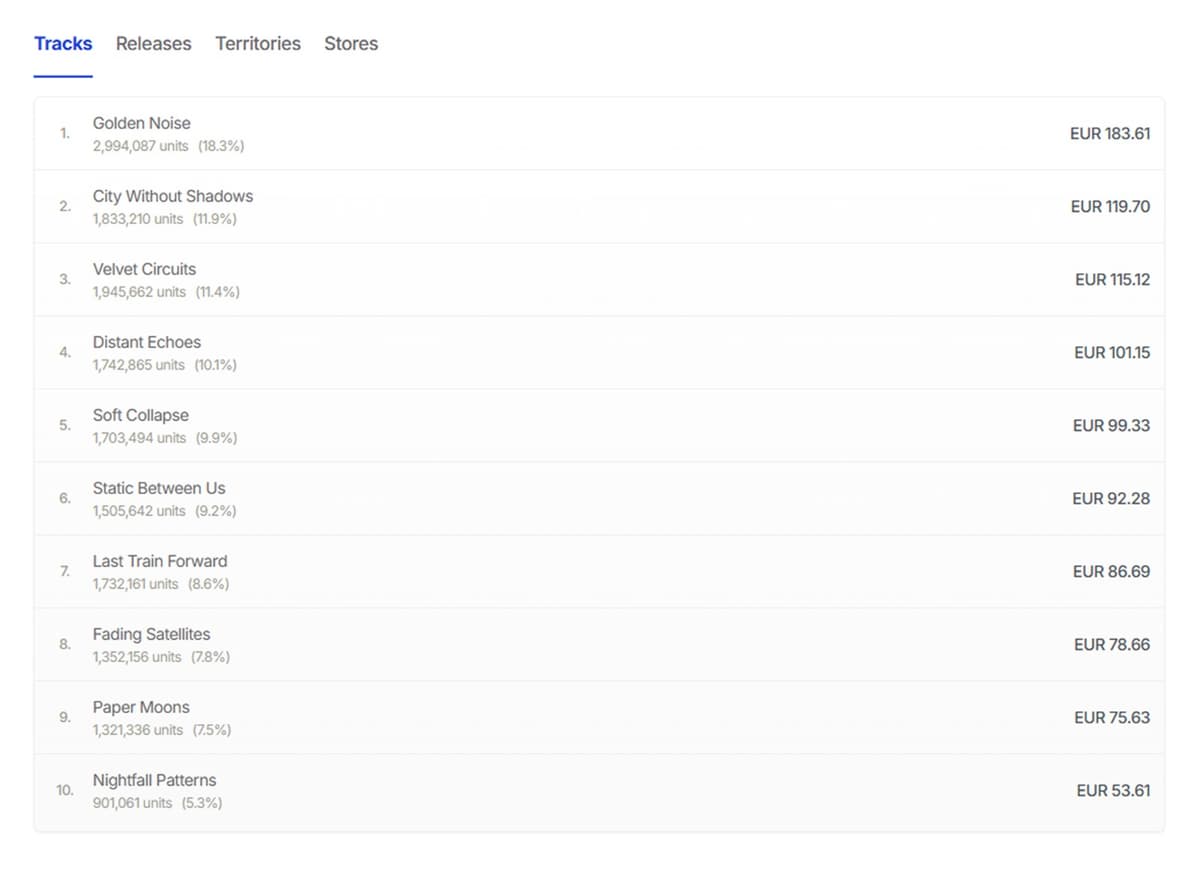
See your catalog move from delivery data to Qlero.
A short walkthrough of how native DDEX ingestion removes manual catalog entry and gives your royalty workflow a cleaner starting point.
Talk through your data flowPrepare sales-report imports
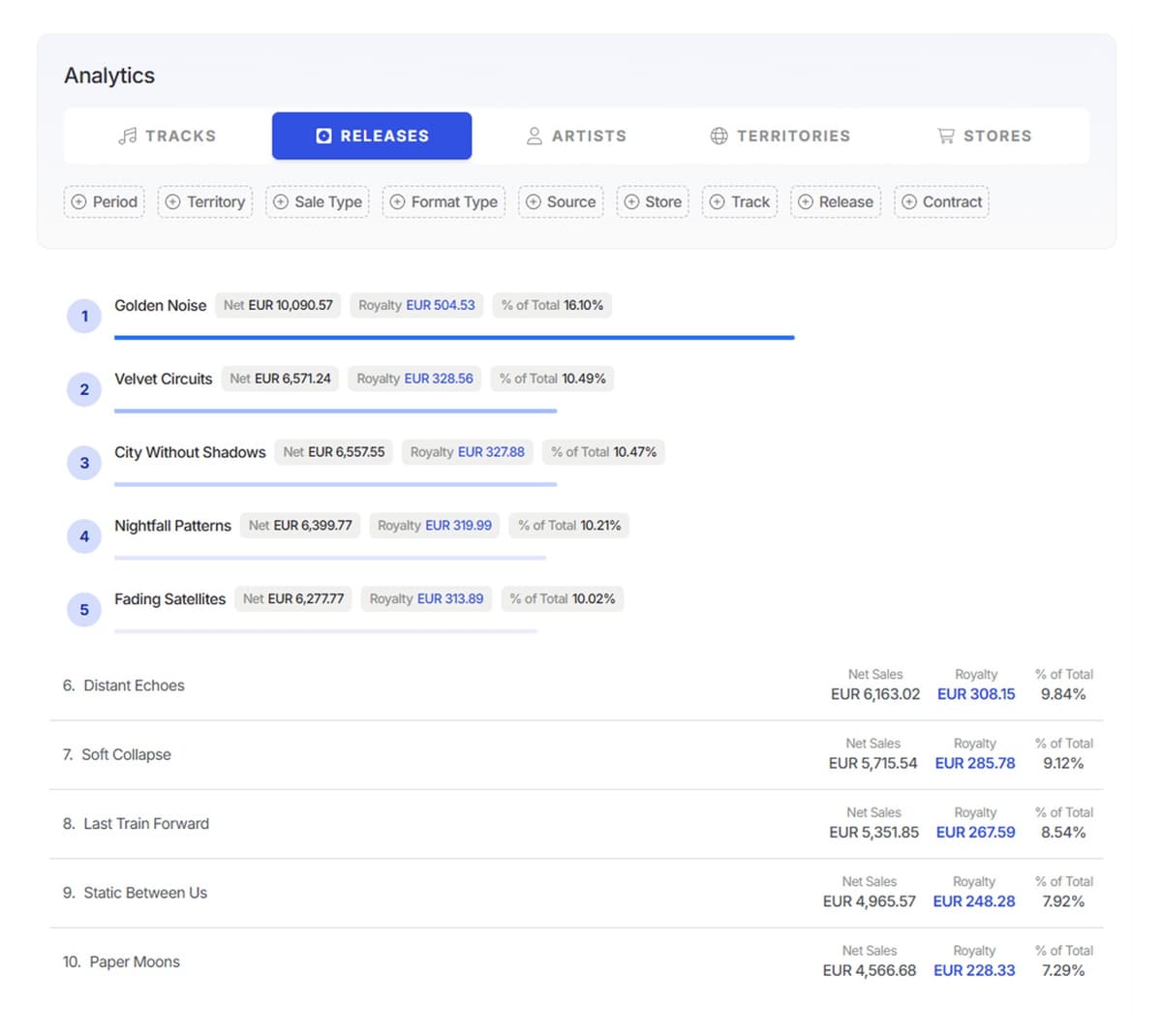
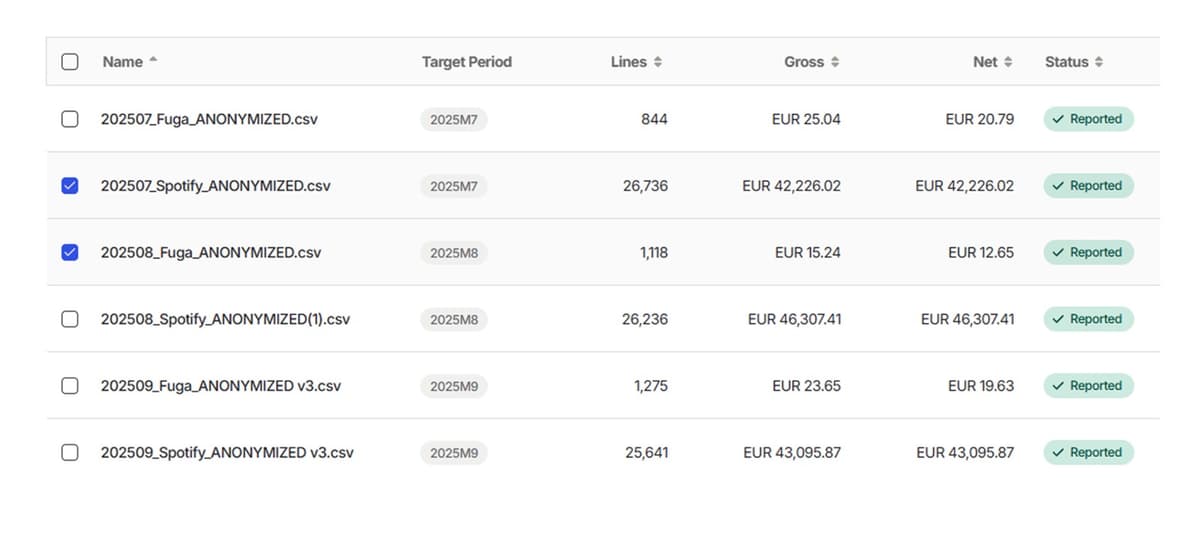
Sales reports follow a separate, template-based workflow. Review the layout, imported values and unresolved rows before calculating royalties.
Flexible import builder
Use a template that matches your sales report's columns, dates and values. Review the mapping and a sample import before processing a reporting period.
Maintain source-specific templates
Keep separate templates when a provider changes its file layout. Creating and editing custom templates requires Pro or Enterprise.
Review rows and exceptions
Inspect row statuses and compare imported values with the source. Invalid rows need attention, and contract checks can identify further issues during period processing.
Confirm your report layout
Bring an example of the report you receive. File-based import, custom mapping and a direct provider connection are different requirements; confirm the route your team needs.
See Qlero with your workflow.
Bring your catalog, deal terms, or reporting questions. We'll show you the parts that matter to your team.